Free
Try it on any piece. No account, no card.
- 3 snaps a month
- Play the opening of every piece
- Falling notes, speed, loops and hands
- 30-second videos with the Keysnap mark
Piano sheet music from any video
Share a reel from TikTok, Instagram or YouTube. About a minute later Keysnap hands you the whole piece: real sheet music, falling notes and a keyboard that plays along.
Works with Instagram · TikTok · YouTube · video and audio files · your own playing
Any piece, any creator, any app.
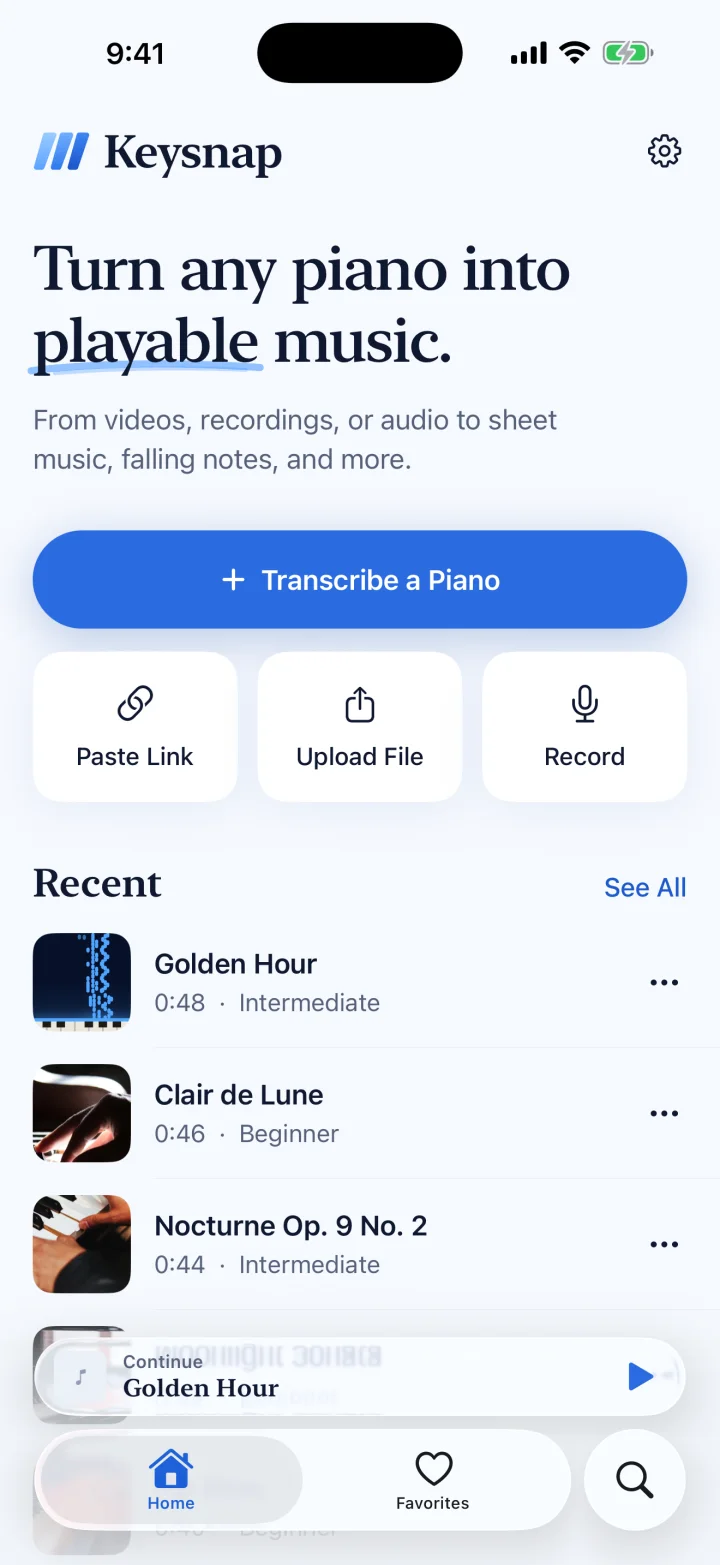
Or paste a link, upload a file, or record a piano.
Sheet music and falling notes, ready to practice.
Sheet music
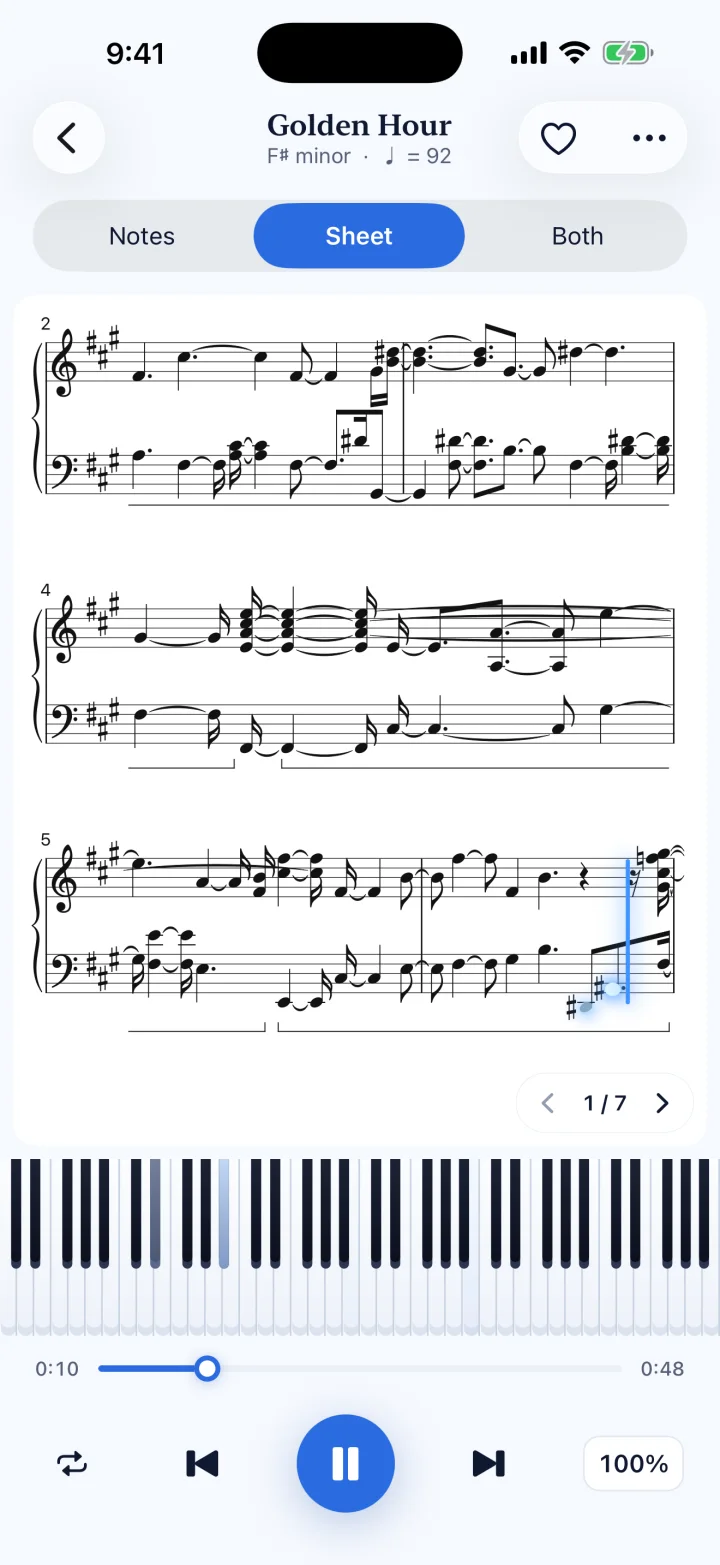
Engraved notation with key, tempo and meter, and a cursor that follows the recording bar by bar. Read along, print it, or take it anywhere as PDF and MIDI.
Falling notes
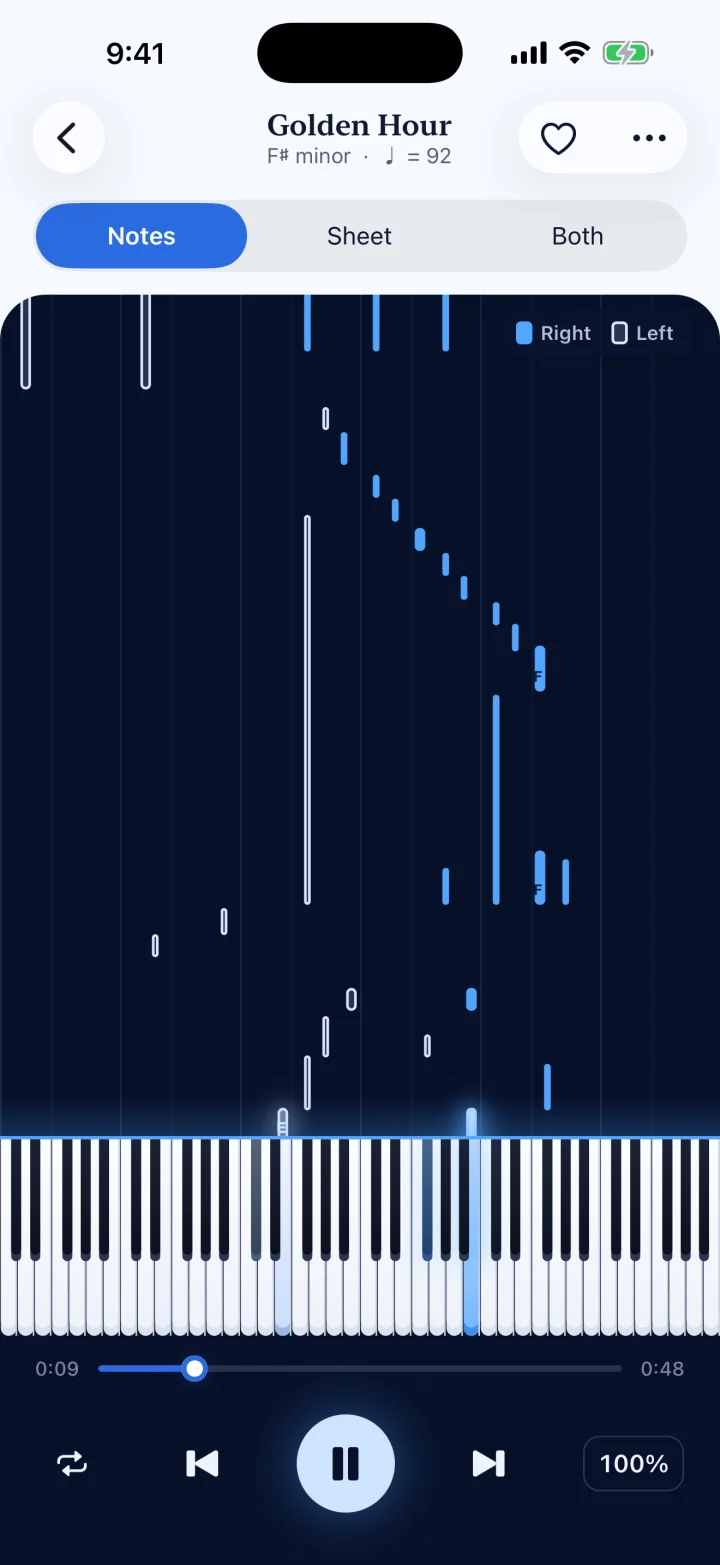
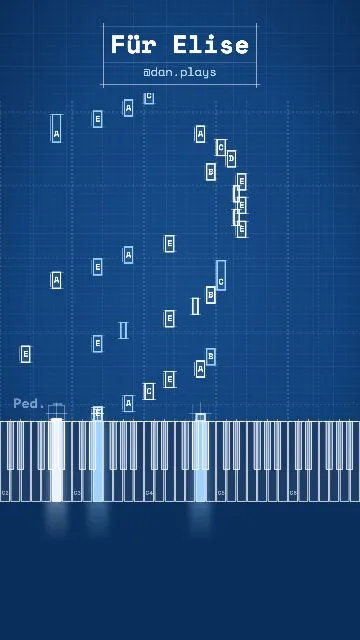
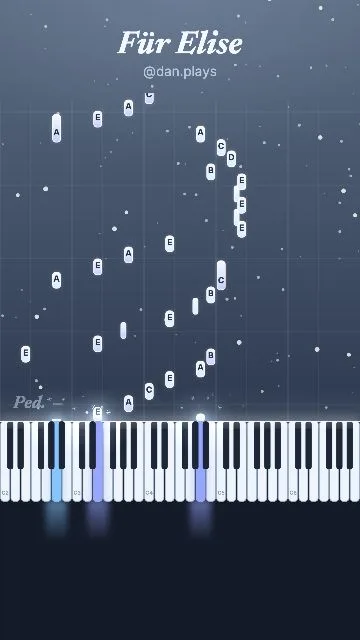
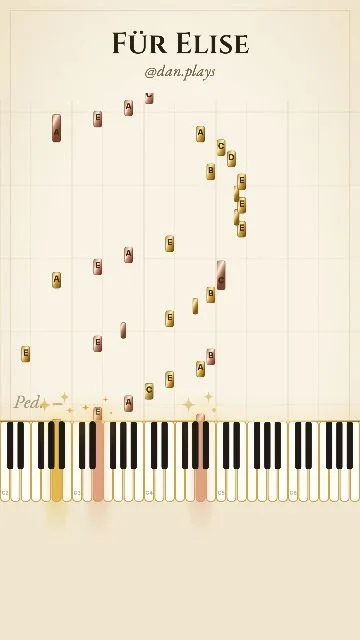
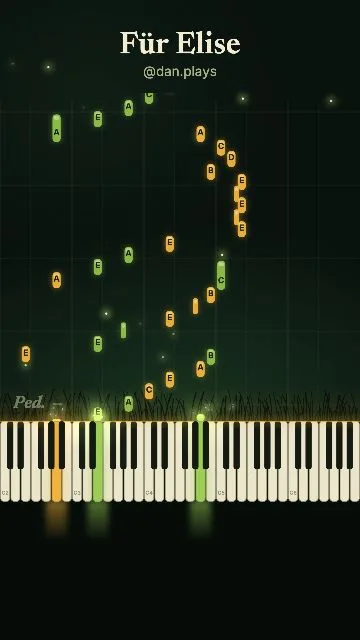
Notes fall onto a lit keyboard in time with the music. The right hand is solid, the left hand is outlined, so you can tell them apart at a glance. Turn your phone sideways for the whole keyboard.
Right handLeft hand
Practice
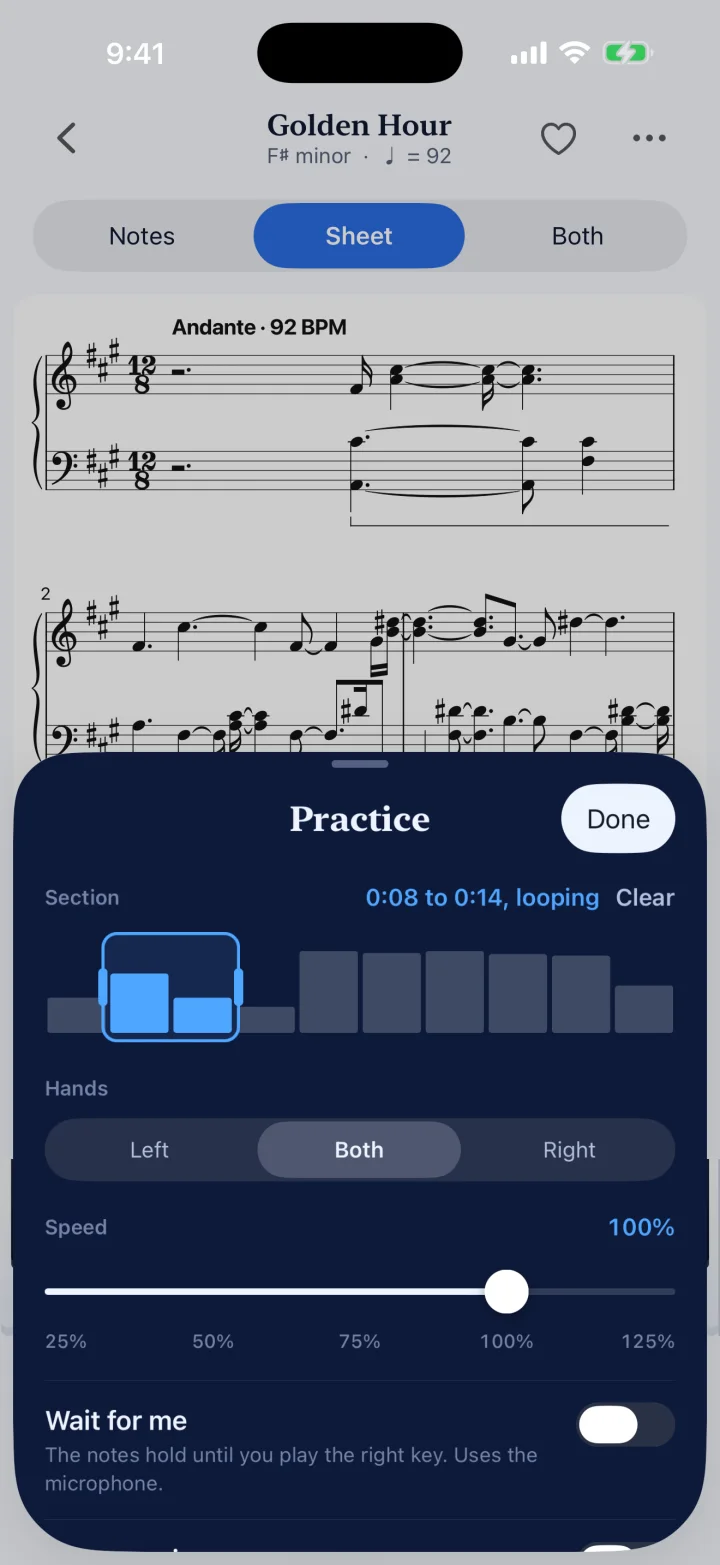
From 25% to 125%, without changing the pitch.
Pick a section and repeat it until it sits.
Left, right or both together.
The notes hold until you play the right key on your piano.
Turn sideways and see all the keys at once.
Every piece you snap, saved, searchable, with favorites.
Videos
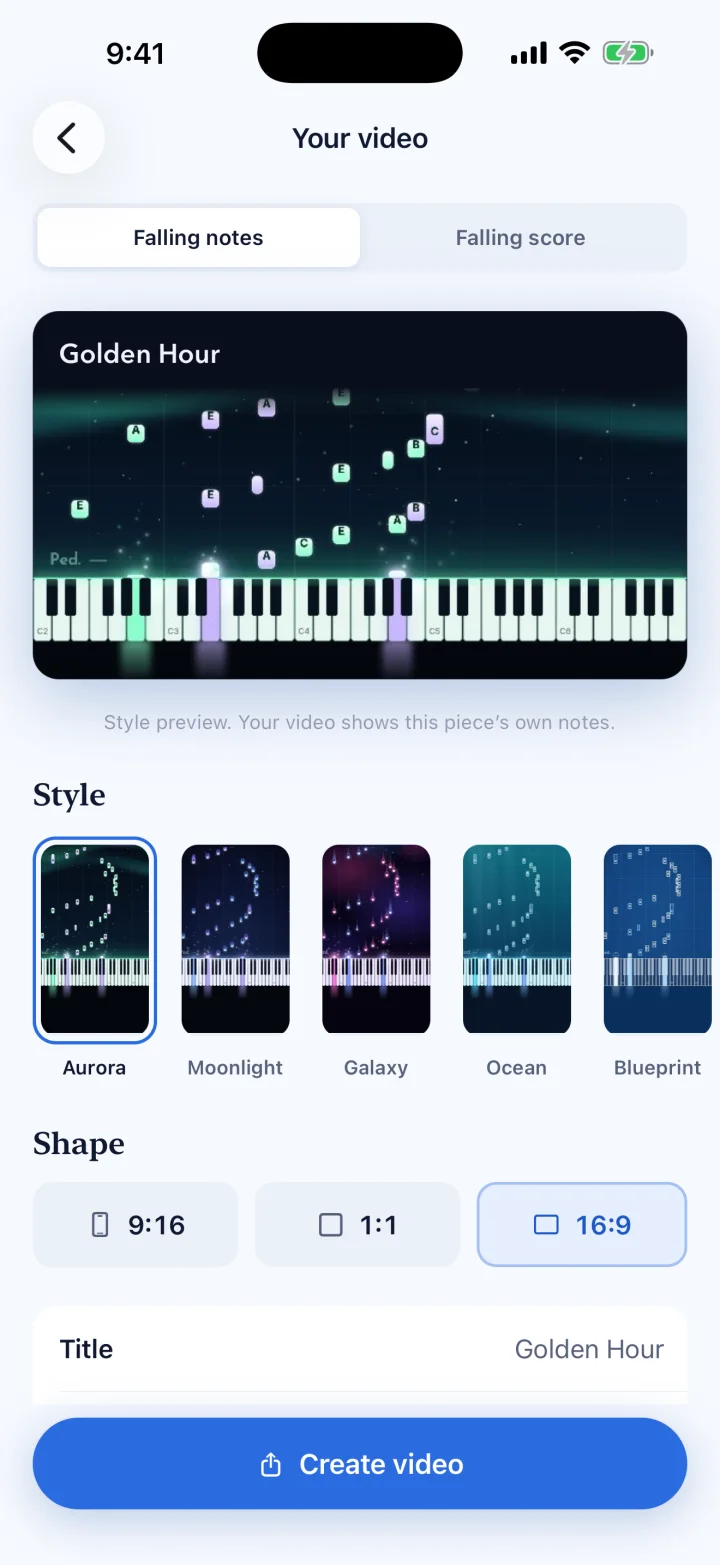
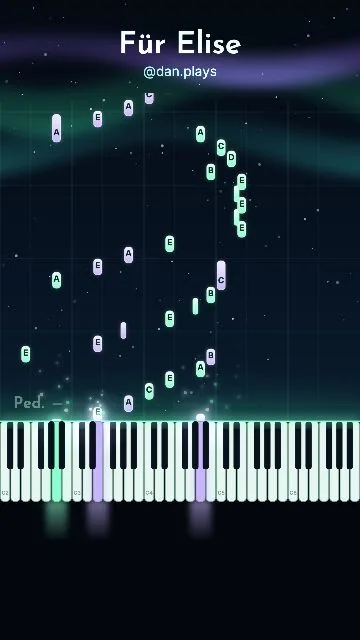
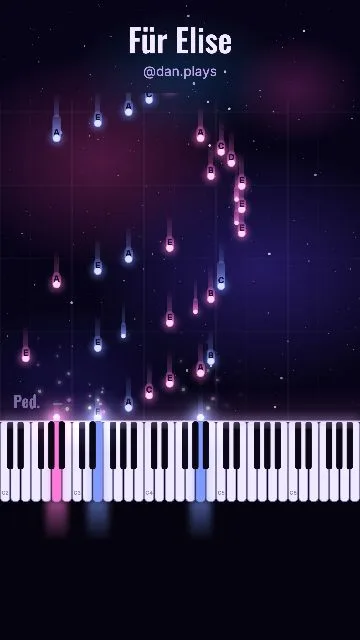
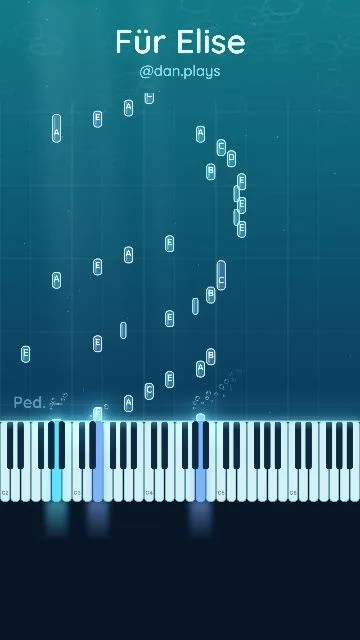
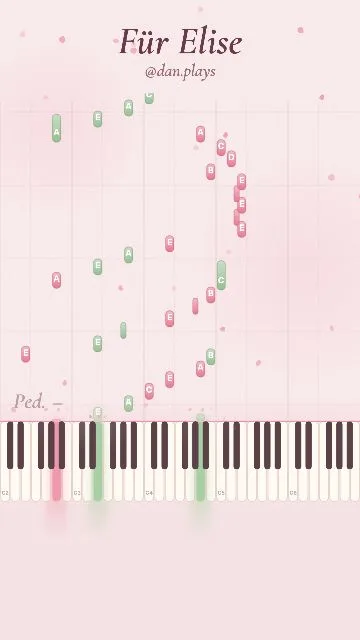
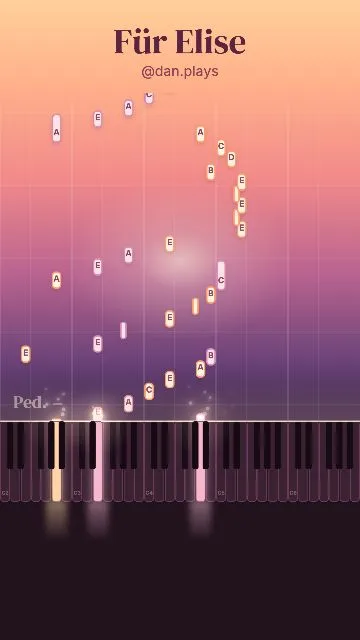
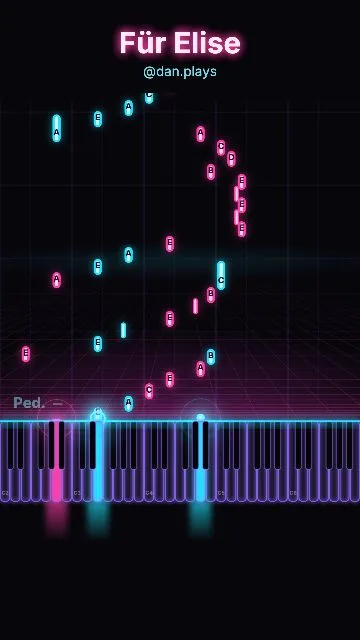
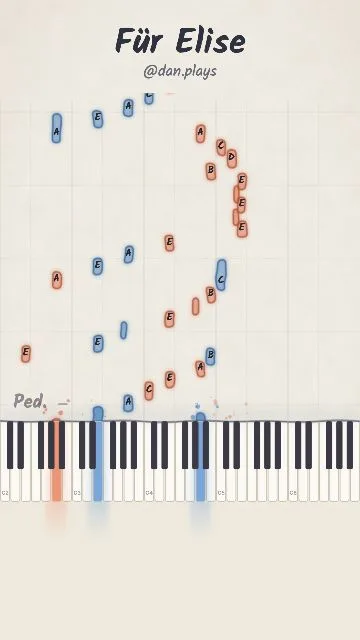
Record yourself playing, or pick any piece in your library, and Keysnap renders a falling-notes video for Reels, TikTok and Shorts. Choose from 25 looks and three shapes, or the falling score: sheet music that writes itself as the piece plays.
9:161:116:9

Plans
Try it on any piece. No account, no card.
Yearly or monthly. Cancel any time.
Subscriptions renew automatically unless cancelled at least 24 hours before the end of the period. Manage or cancel any time in Settings.
Transcription is automatic. Clear solo piano comes out best; with talking, singing or a band over it, a few notes may need correction. Keysnap tells you when a piece looks uncertain.
English, Deutsch, Español, Français, Italiano, Nederlands, Português, 日本語, 한국어 and 繁體中文.
Tap Share on the video, choose Keysnap, and wait about a minute. Keysnap listens to the audio, separates the piano from talking or singing, and writes out the notes as sheet music and falling notes. You can also paste a link, upload a video or audio file, or record a piano with the microphone.
Yes. Keysnap works with TikTok, Instagram Reels, YouTube and YouTube Shorts links, and with any video or audio file on your device.
Clear solo piano comes out best. Background talking, singing or other instruments make it harder, and a few notes may need correction. Keysnap tells you when a piece looks uncertain.
Keysnap is free to try: 3 snaps a month, and you can play the opening of every piece. Keysnap Pro, yearly or monthly, unlocks unlimited snaps, whole pieces, sheet music, PDF and MIDI export, and full-length videos.
In Settings, tap your name, then Subscriptions, then Keysnap. Deleting the app does not cancel a subscription.
Yes. Record yourself with the microphone, or pick any piece in your library, and Keysnap renders a falling-notes or falling-score video in 9:16, 1:1 or 16:9, ready for Reels, TikTok and Shorts.
Yes, as MIDI for your keyboard or DAW, and as a PDF of the sheet music. Export is part of Keysnap Pro.
Keysnap runs on iPhone and iPad. Get it on the App Store.